11/4/2025
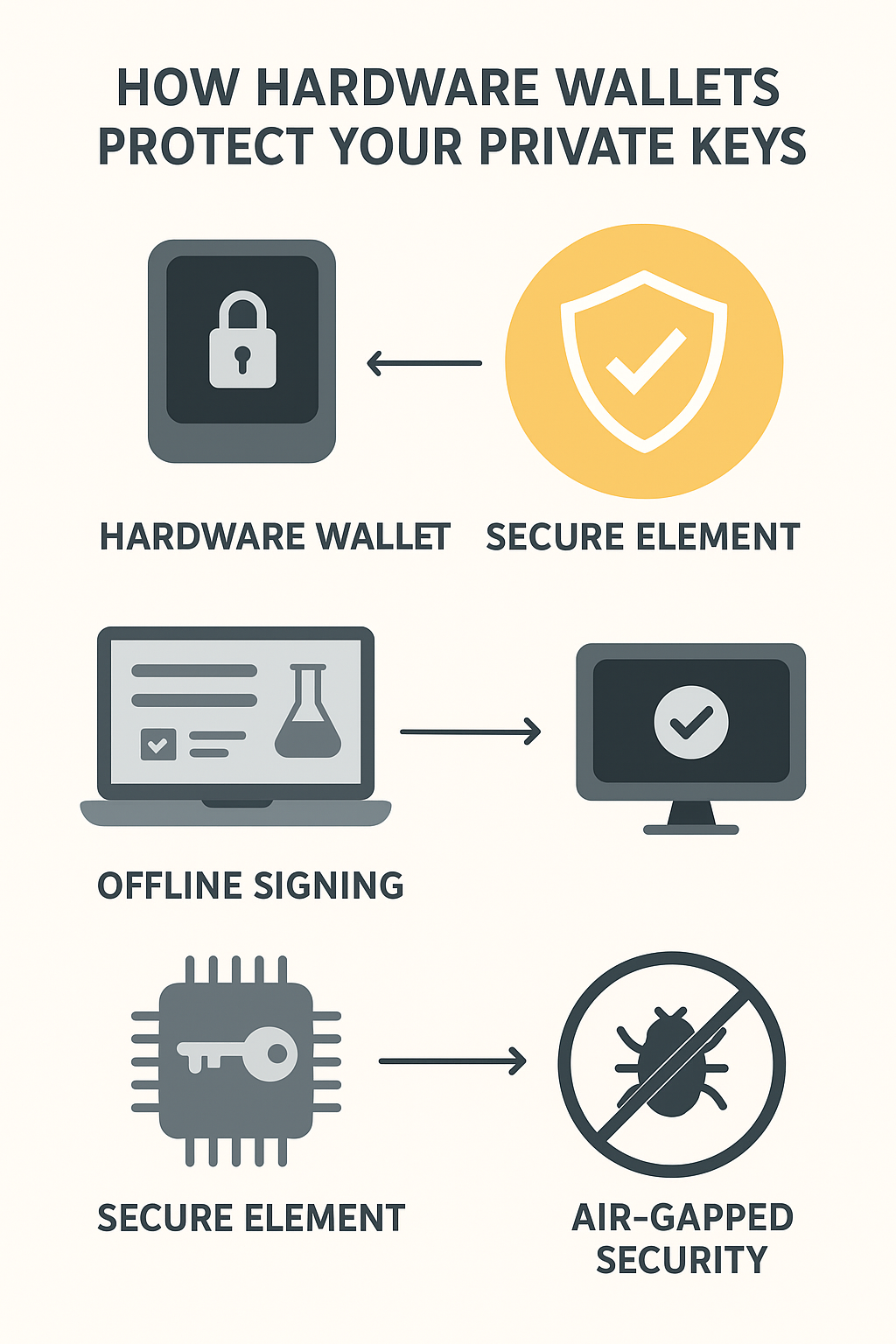
Hardware wallets protect your private keys by keeping them offline and inside a Secure Element.
If you’ve heard that a hardware wallet is the safest way to store your cryptocurrency, you might wonder: what exactly makes it so secure?
The answer lies deep inside the device — in how it’s built, how it handles your private key, and how it communicates (or doesn’t) with the outside world. Let’s open the black box and explore how hardware wallets truly keep your crypto safe.
🧩 The Anatomy of a Hardware Wallet
A hardware wallet may look simple from the outside — a small USB-like device with a screen and a couple of buttons. But inside, it’s a miniature fortress designed for one purpose: to protect your private key.
A typical hardware wallet includes:
- A Secure Element (SE) — a tamper-resistant chip that stores and protects the private key.
- A Microcontroller Unit (MCU) — handles basic operations and communication with your computer or phone.
- A Display Screen — shows critical transaction details so you can verify them directly on the device.
- Physical Buttons or Touch Controls — used to confirm actions, ensuring only you can approve a transaction.
Each part serves a clear purpose: keep sensitive data isolated, prevent remote access, and make sure you are always the one confirming every transaction.
🔑 Key Generation: Secrets That Never Leave the Device
The most crucial principle of a hardware wallet is simple:
Your private key is generated inside the device and never leaves it.
When you first set up your wallet, it uses a built-in random number generator (RNG) to create a unique private key. That key is then converted into a seed phrase — usually 12 or 24 words — which you’re instructed to write down on paper.
From this moment on:
- The private key lives securely inside the Secure Element chip.
- It never appears on your computer, your phone, or any connected app.
- Even the manufacturer cannot retrieve or see it.
This one-way isolation ensures that no online attack can access your key, because it simply never travels beyond the hardware boundary.
🔒 The Signing Process: Offline and Air-Gapped
Now that your key is locked safely inside, how do you actually use it to send crypto?
Here’s how the process works step-by-step:
-
Prepare the transaction online. On your computer or phone, you use wallet software (like Ledger Live or MetaMask) to create an unsigned transaction. This includes details such as the recipient address and amount.
-
Send the unsigned transaction to the hardware wallet. The transaction data — not the private key — is transmitted via USB, Bluetooth, or QR code.
-
Verify the details on the device. The wallet displays the recipient address and amount on its screen. You confirm the transaction by pressing physical buttons — this prevents malware from secretly changing the details.
-
Sign the transaction offline. Inside the Secure Element, your private key generates a digital signature. The signature proves ownership but reveals nothing about your actual key.
-
Broadcast the signed transaction. The signed data is sent back to your computer or phone, which then broadcasts it to the blockchain network.
This system is called air-gapped signing — the critical signing step happens entirely offline, sealed within the hardware wallet.
🧠 Secure Element vs. Open Firmware
Hardware wallets combine hardware security and software transparency in unique ways.
Secure Element (SE)
A Secure Element is a specialized chip similar to those used in passports and bank cards. It’s designed to resist physical attacks such as voltage probing or memory extraction. If someone tries to open or tamper with the chip, it automatically erases sensitive data.
Open-Source Firmware
Some wallets (like Trezor and Keystone) use open-source firmware, meaning the code running on the device can be publicly reviewed. Others (like Ledger) use closed-source firmware with a certified Secure Element.
Both models have strengths:
- Secure Elements provide physical security and tamper resistance.
- Open-source firmware provides transparency and community trust through public audits.
The most secure designs often combine both principles: verified hardware + auditable software.
🧾 Firmware Signatures and Device Verification
Every legitimate hardware wallet runs firmware that’s digitally signed by the manufacturer. When you update your device, it checks this signature before installation. If the signature doesn’t match, the wallet refuses to load the firmware.
This mechanism ensures that only authentic software — not a malicious clone — can run on your device.
Before using any new wallet:
- Always buy from the official website or an authorized reseller.
- Verify the firmware signature or device serial number using the manufacturer’s verification tools.
- Never trust visual appearance alone. Counterfeit devices can look identical but have compromised chips or backdoors.
⚠️ Common Misconceptions
Many beginners assume that if a device looks real, it must be safe. Unfortunately, counterfeit or tampered hardware can mimic genuine devices perfectly.
Never rely on appearance or packaging alone. Instead:
- Check the device’s unique verification code in the official app.
- Inspect the seal and serial number before use.
- Always initialize the wallet yourself — never use one that comes “pre-configured.”
A few minutes of verification can protect your entire portfolio.
✅ Key Takeaways
- Hardware wallets protect your private keys by keeping them offline and inside a Secure Element.
- The signing process happens within the device — your key never leaves it.
- Air-gapped operation ensures that even if your computer is compromised, your assets remain safe.
- Firmware signatures and verification are critical for authentic devices.
- Always purchase directly from official sources and verify your device before first use.
When used correctly, a hardware wallet is not just a tool — it’s your personal vault in the digital world.